What’s new
The road
keeps changing.
New places. Better flow.
Every update, in one place.
Find a fresh line.
More meaningful momentum, earned nitro, and two new ways to enjoy every district: Sprint and Pursuit.
A better line beats an endless circle.
Repeated tight circles gradually stop building points, charge, nitro and combo tiers. Travel out of that area to restore rewards. Tight loaded turns scrub more speed, while Flow keeps its steering assistance and tutorial practice stays forgiving.
Earn a little extra momentum.
Fresh drifts and deliveries refill a limited nitro reserve. Hold Left Shift while accelerating, remap it in Settings, or use B / Circle on a standard gamepad. On touch, the Nitro pedal also accelerates, leaving your other thumb free to steer.
Six gates. Your best time.
Sprint brings ordered checkpoints to all ten districts. Pass six gates before two minutes expire; no delivery charge is needed. Gates add nitro, reset adds five seconds, and completed times save separately for each map and assist style on this device.
Keep a little distance.
Pursuit gives you a four-second head start, then two patrol cars join gradually. Survive 90 seconds, navigate around buildings and break away before the capture meter fills. Patrols appear on the minimap. Survival records stay on your device.
A fresh comparison.
Dispatch leaderboards and local drift bests now use the new handling and scoring rules. Earlier records remain stored separately. Sprint and Pursuit are local challenges; they do not submit Dispatch scores. The in-game guide explains every mode, nitro and the revised rewards.
A smoother start to your drive.
A little car takes the long way while Simple Drift gets your next drive ready.
Take the long way in.
A small animated coupe follows a winding road in our new loading screen, with the same warm colors and clean typography as the rest of Simple Drift.
Ready when your drive is.
The screen follows real loading stages and fades away when the page or game is ready. There is no extra countdown. If a drive takes longer, retry and lighter-graphics options stay within reach.
A quieter welcome, if you prefer.
Pause the animation whenever you like. Reduced-motion preferences are respected, and the layout fits phones in portrait and landscape as well as desktop.
Your next drive starts here.
Simple Drift has a new home at simpledrift.com, with clearer introductions and account guidance.
Meet Simple Drift.
The About page introduces the game, its ten districts and the difference between a relaxed Free drive and a scored Dispatch. Find it in the footer.
Know what you share.
New Terms of play, Privacy and Cookies & storage pages explain accounts, public scores and device saves. Account setup includes age guidance, and Help now offers an email contact even when you cannot log in.
Say hello to Simple Drift.
A new name for your little driving escape. Same districts, same cars, same long way home.
Simple Drift, everywhere you drive.
The name and wordmark now run through the landing page, loader, menus, driver accounts, help, share cards and city signs. The familiar three-stripe mark and “Take the long way” stay with us.
Your driver stays yours.
Existing accounts and shared scores stay in the same app. Saved cars, settings and local bests remain compatible on your current site address.
From the first click to the next drive.
A connected UX pass across Simple Drift, from the main drive setup and district discovery to accounts, leaderboards, help and updates.
Your next drive, in one place.
The main drive screen now puts district, mode and car in a clear setup sheet. Start stays visible while options scroll. Atmosphere and assist share an expandable section, with your current choices shown when closed. Dispatch and Free drive explain their purpose before you start.
Familiar routes through the app.
The landing page, boards, updates and help share the same navigation and mobile menu. Districts are searchable from the landing page, with direct links to drive the selected place or see its leaderboard. The game setup also provides direct access to leaderboards and your driver.
A clearer path to your name on the board.
Account pages have clear Log in and Create a driver choices, a guest path and contextual recovery links. Leaderboards put district and style controls first, preserve your scroll position when filtering and explain sharing on demand. Driver profiles organize your name, bests and account options.
Find what you came for.
Help groups tutorials, account recovery and device checks before private support. Privacy and accessibility pages have section links. Updates can be searched or opened directly, and a missing page offers useful routes back into the app.
Room to tap. Room to read.
Mobile menus, account forms and information pages have clearer spacing, readable text and comfortable actions. The drive setup adapts to portrait and short landscape screens, with the primary action kept in reach.
Less searching. More driving.
A focused desktop and mobile UX pass: easier settings, clearer choices and menus that bring you back where you expect.
One place to pause.
Settings, Garage, How to play and Reset are grouped in a shorter Pause menu. Camera and atmosphere sit in an expandable section. Closing a sub-menu keeps the car paused and returns focus to the option you opened. Finishing, leaving or replacing a drive now explains what happens before you continue.
Build first. Drive when you’re ready.
Save build applies your car without starting or resuming a drive. Closing the garage with unsaved changes lets you keep editing or discard them. The garage also explains when switching cars makes a recorded drive local-only.
Find the control you need.
Search for camera, steering, smoke or another setting and jump straight to its control. Search does not change your preferences. On phones it stays tucked behind a small search button; keyboard users can move through results and clear a search with Escape.
A little more room for your thumbs.
Brake and Drift have larger touch targets, reverse guidance stays visible, and held controls are clearer in every atmosphere. Expanded camera controls stay clear of portrait notifications, and short landscape settings give more room to the controls.
A softer light on the road.
Neon reflections settle into the pavement, with irregular highlights, quieter underglow and sign echoes that fade naturally into the street.
Light across the pavement.
Headlights and underglow break into softer, uneven highlights on a shared road surface. The pattern stays on the pavement as your car moves, and reflections become more visible from low camera angles. Headlight beams still stop independently near obstacles.
An echo of the shopfront.
Sign reflections taper and fade away from their facades, with higher signs reaching farther where the road allows. Reflections stay inside the map and stop before nearby building islands. The regular repeating stripe pattern is gone.
Keep the night moving.
All reflections share one small pavement texture and reuse the existing rendering batches. Efficient graphics softens the fine detail, while Night keeps its original lighting. Neon map thumbnails have been refreshed to match.
Leave a little light behind.
Tire smoke and rubber marks now belong to the Neon streets, picking up nearby color while keeping your line clear.
A softer cloud of color.
Smoke catches the district’s road lighting and your selected garage underglow. Color is strongest close to the car, fading into cooler mist as it moves away. Turning underglow off removes the car’s color spill; nearby map lighting still contributes.
Rubber first. A little sheen.
Neon skid marks have dark rubber centers, gently feathered edges and a restrained colored sheen near lighting. The underglow highlight follows your car instead of leaving glowing permanent stripes. Tracks retain their gradual fade.
Room to keep moving.
Both effects reuse their existing rendering batches and bounded pools. Efficient graphics keeps the 24-puff smoke limit. The smoke switch still clears smoke immediately while keeping skid marks, and Day and Night retain their original effect colors.
Your color after dark.
A more considered Neon finish for all five cars, with cleaner reflections, focused headlights and a garage that lets you choose your own glow.
Let the bodywork catch the light.
Cleaner pink, cyan and white reflections follow the shape of each car. Choose Gloss, Satin or Metallic in Finish, alongside your existing paint colors and custom color picker. Carbon-look hoods keep their quieter matte surface.
Make the night yours.
The new Neon garage tab has Pink / ice, Glacier, Sakura, Ultraviolet and Amber underglow, plus Off. Pair it with Pearl, Ice or Warm headlights. Each car keeps its own saved choices on this device; these light colors appear in Neon mode.
See it before you drive it.
Switch between Studio and Neon lighting above the garage model. Check paint in neutral light or preview the full after-dark look, from the front, side or rear. Previewing does not change the atmosphere of your drive.
Light that follows the car.
A tighter, softly feathered underglow follows the chassis. Headlights have a more focused road footprint, and each beam shortens independently near solid obstacles. Rear lights stay red.
Keep the detail light.
Paint uses a small baked reflection environment. Headlights and underglow share two lightweight meshes, with softer underglow in Efficient graphics. Color changes reuse the existing geometry, without extra real-time lights or reflection cameras.
Every city, its own glow.
Neon gets a local character in every district, with original storefront signs, carefully colored light and matching previews throughout the map browser.
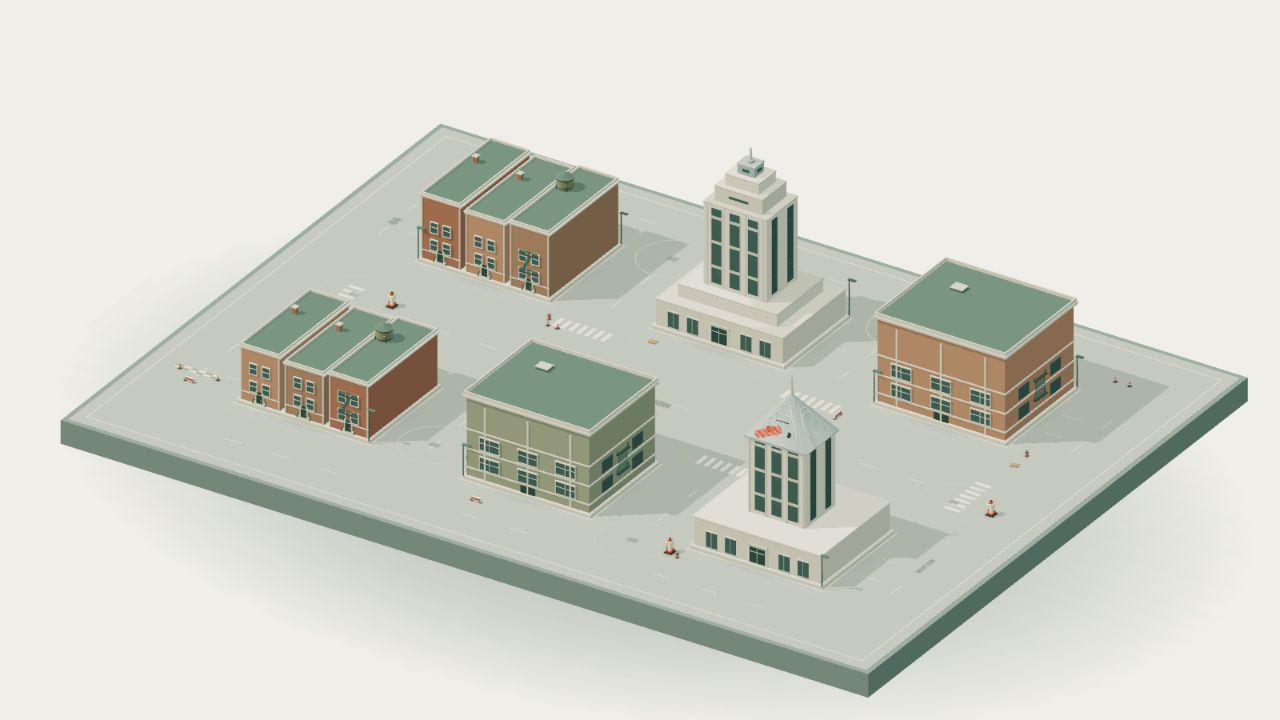
New York
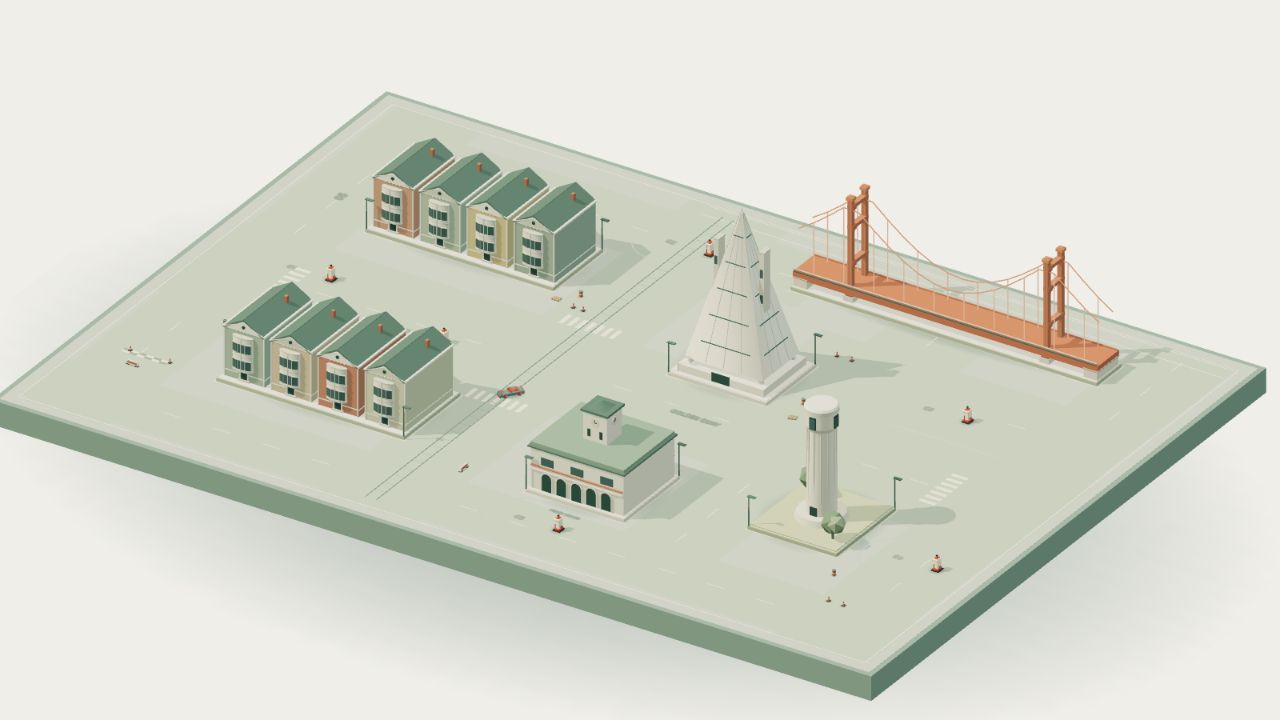
San Francisco
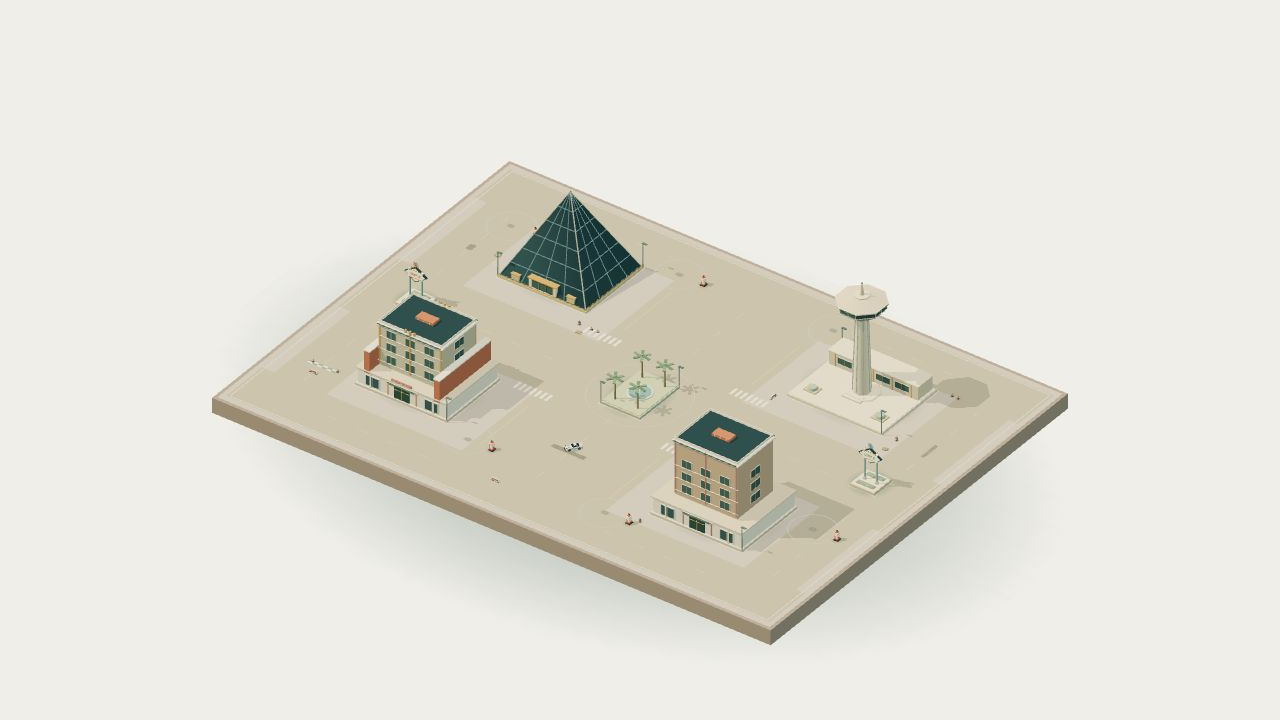
Las Vegas
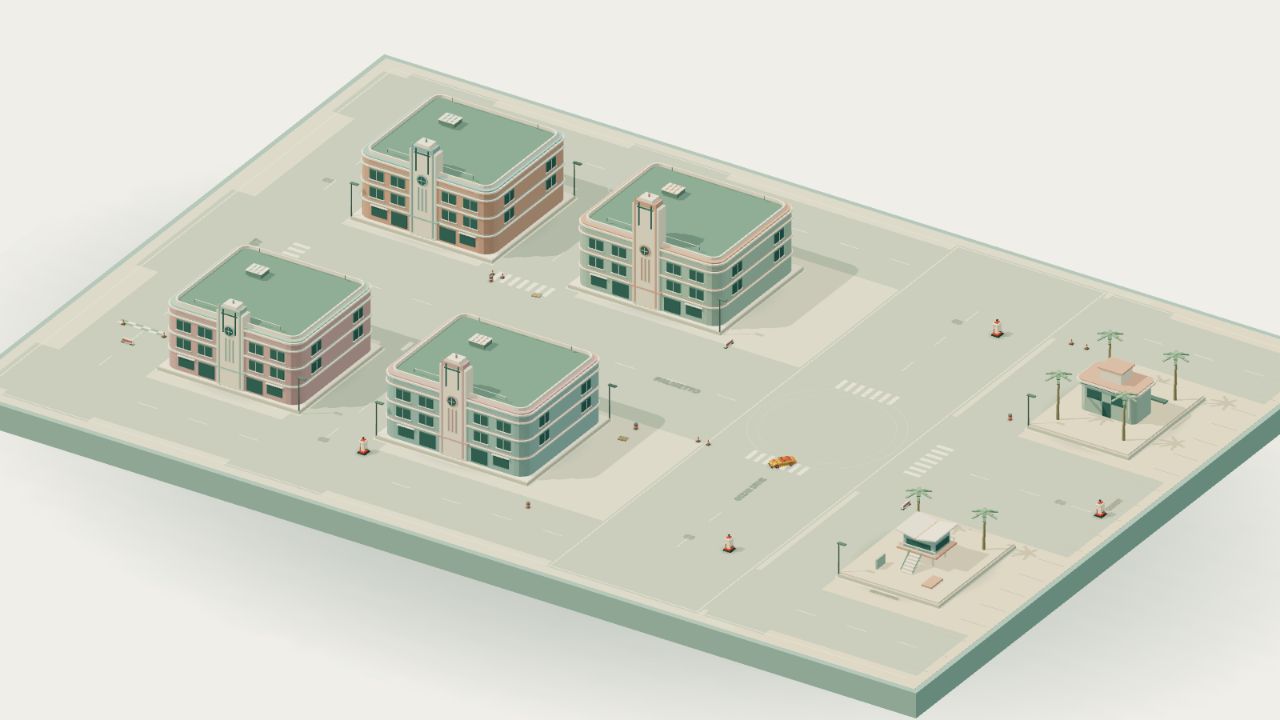
Miami
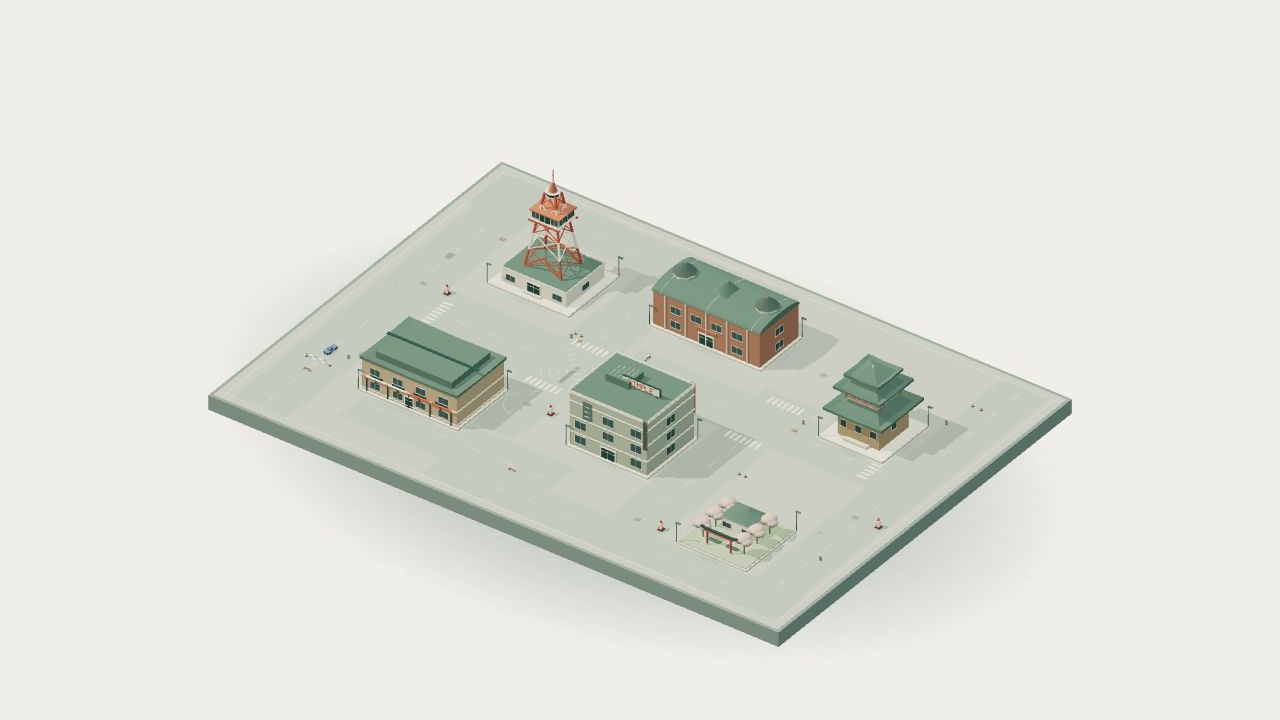
Tokyo
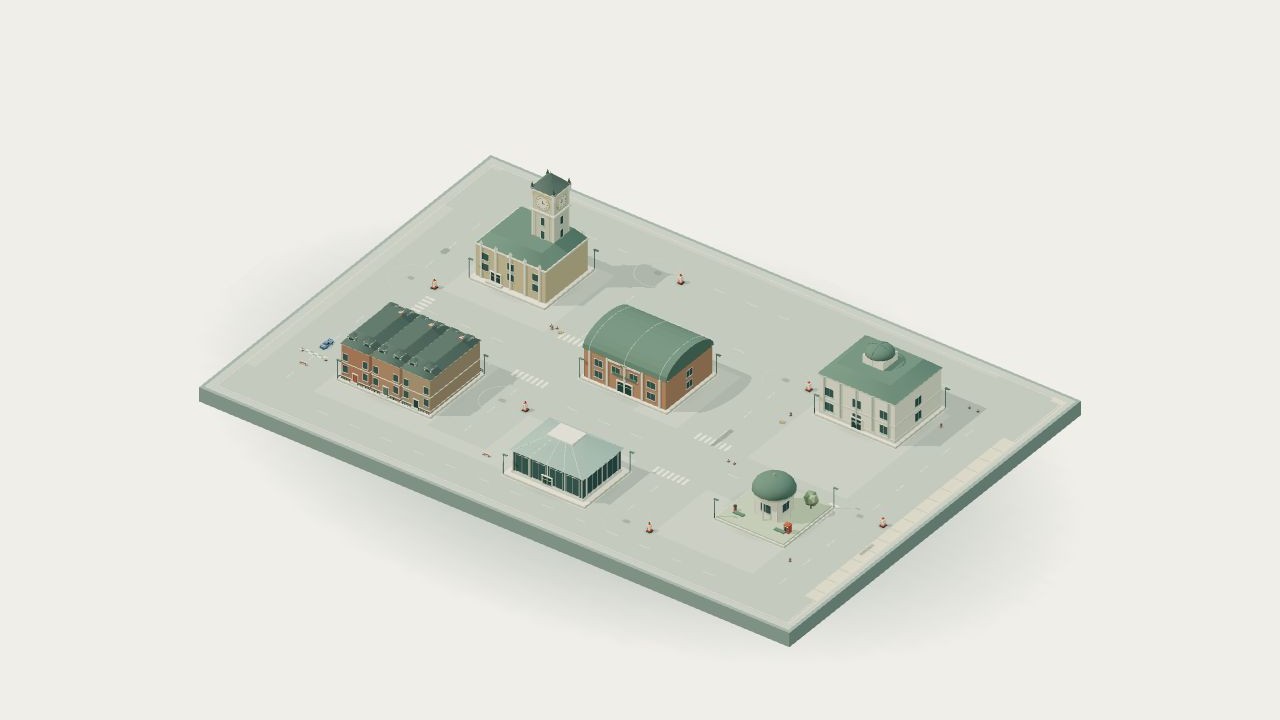
London
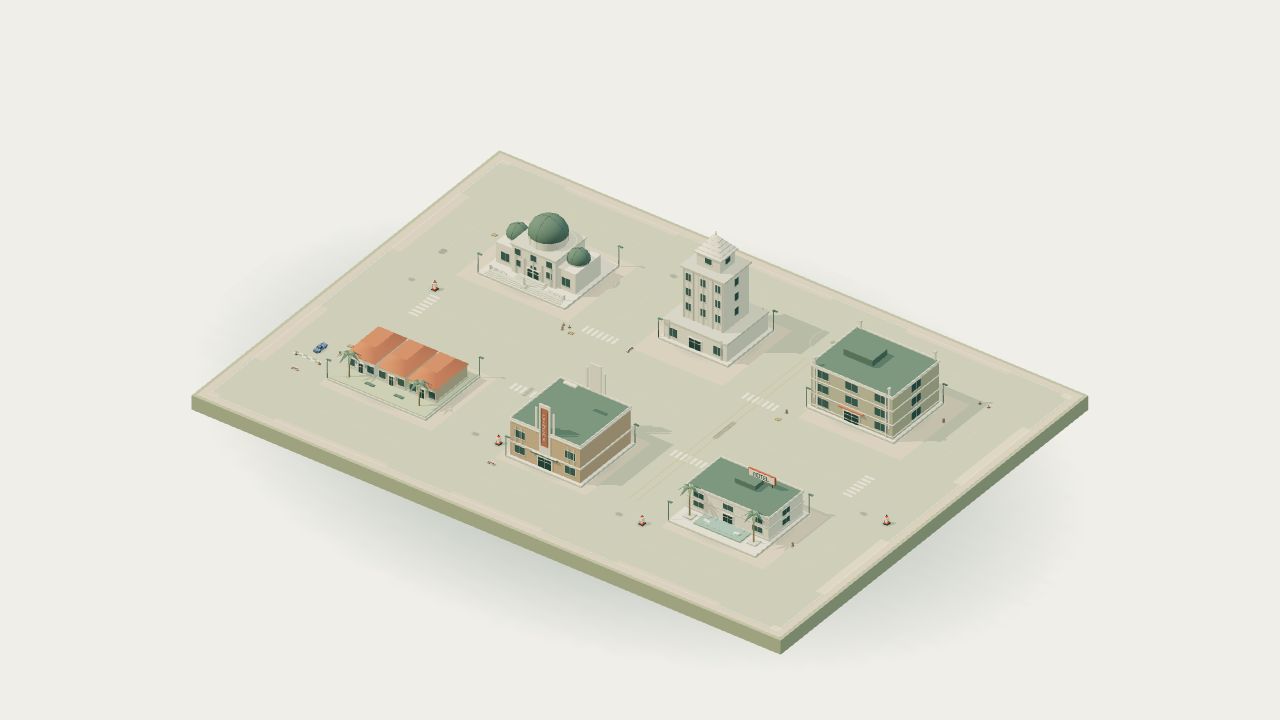
Los Angeles
A different shade of night.
New York pairs warm amber with red; San Francisco brings sea-green and coral; Vegas glows gold and pink; Miami mixes aqua and rose. London has warm shopfronts and mint accents, while Los Angeles takes peach and lilac into the evening. Tokyo keeps its pink blossoms and bright arcade lights.
Look for the local lights.
Deli and jazz signs, a bay terminal, casino marquees, Art Deco hotel lettering, a night market and a cinema give the cities their own details. Harbor, Rail Yard and Airstrip get simpler port, freight and hangar signs, with colored pavement echoes below.
See the place you’re choosing.
All ten district cards now show the actual game scenery with consistent framing. Every preview follows your Day, Night or Neon choice, replacing the mixed block diagrams and daylight-only images.
Small details. A light touch.
Each district’s signs and road echoes share two static rendering batches, with softer reflections in Efficient graphics. The map browser uses small, lazy-loaded images; it does not render extra 3D scenes.
Meet me under the neon.
Tokyo gets a more distinctive after-dark identity: glowing shop signs, a fuller pink cherry courtyard and light broken across wet-looking streets.
Follow the shop lights.
Seventeen original neon signs bring the arcade, crossing store and station to life. Warm lanterns and calmer window colors give the pink and cyan lettering room to stand out.
A little more blossom.
Tokyo’s cherry courtyard has fuller branching trees and a richer canopy. Neon lights the blossoms pink; Day and Night keep their own palettes.
Color beneath your wheels.
Neon road light now breaks into soft wet-surface streaks across every district. Tokyo’s storefront lettering leaves a stretched reflection on the pavement beneath it.
Keep the night light.
The signs and their reflections share two static rendering batches. Efficient graphics keeps the wet-road treatment with softer sign reflections, without adding real-time reflection cameras or extra dynamic lights.
After hours, in color.
A new optional Neon atmosphere brings pink and cyan light to every district, from the first preview to your next drive.
Choose your kind of night.
Choose Day, Night or Neon from the start menu. Neon adds deep blue streets, colored windows and facade accents, soft road reflections and pink-lit tree canopies. Every district has its own existing architecture beneath the new light.
A little glow beneath your line.
Pink and cyan underglow, colored paint highlights and cooler headlights follow your car. Your selected paint and garage build stay yours.
Keep the atmosphere close.
Change atmosphere from Pause or Settings → Display, and keep the choice on this device. The landing preview also cycles through all three looks; its drive and tutorial links carry the selected atmosphere with you.
Light, without the weight.
The lighting uses shared window and road batches, small static reflection maps and a single under-car effect. Efficient graphics reduces secondary road spill. Handling, assistance and scoring are unchanged.
A better next drive.
Quicker returns, clearer results and more useful districts. A careful pass through the remaining audit findings.
Get to the good part.
The introduction plays once per tab session. The hero explains the drift-and-deliver loop and offers a direct lesson. Unfinished lessons are offered again with an explicit restart.
Know what you earned.
Results keep Replay and Choose a district within reach, with a collapsible breakdown and improvement against your matching local best. The guide includes a worked banking, delivery and crash example.
Keep your favorite roads close.
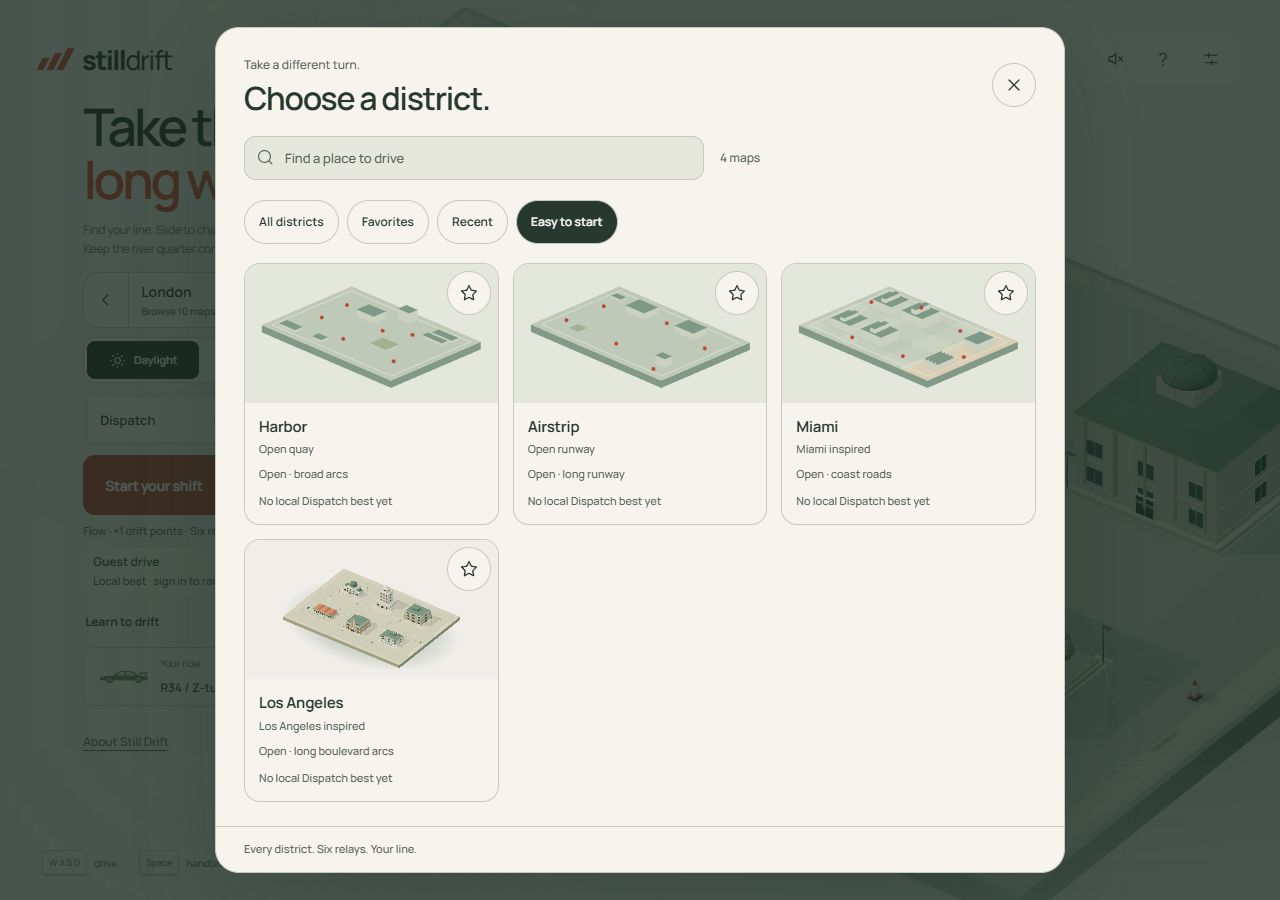
The district browser now has Favorites, Recent and Easy to start collections, driving-rhythm descriptions, landmark previews and local Dispatch bests. Garage builds explain cosmetic changes and show paint, wheel and finish choices together.
Three cities. Three different lines.
Tokyo has offset crossings, London wraps around a civic square, and Los Angeles opens into wider boulevard arcs. Roads, obstacles, relays, minimaps and night cues share the revised layouts. Ranked boards start a new rules version; previous verified records are retained separately. Local bests on these three revised courses also start fresh.
A clearer account journey.
Sign-in and recovery preserve your chosen drive. Forms use safer, actionable errors and explain public aliases. New Privacy and Support pages explain stored data and let signed-in drivers submit private game, export or deletion requests for manual review.
More context for every run.
Compact mobile boards show car, style, deliveries, time and score details on demand, plus your position when signed in. Database grouping keeps prolific drivers from hiding other drivers or your best on another district.
A little reason to take another turn.
Optional next goals use your actual completed drive. Save a private result card from the score breakdown. Remap driving keys, enlarge essential HUD text, and find an honest guide to accessibility and connectivity from the footer.
A smoother start. A clearer way back.
Loading now follows real game readiness, with retry and lighter-graphics recovery. Shared UI styles arrive in one request, and startup no longer warms every district at once. A private Device check can export frame pacing and load measurements. Physical-phone profiling is deferred; browser layout checks are not a phone-performance claim.
A clearer way into the drive.
Seven priority fixes make finding your way, learning to drift and starting a ranked run more straightforward.
Go straight to the good part.
How to play and The worlds now reach the right section, including from another page or a fresh link. The interactive tutorial opens the first lesson directly, in your selected district.
Room for every control.
The game menu now has a dedicated layout for short landscape screens. On smaller phones, the menu scrolls when needed. Daylight, driving mode, garage and site links stay separate and usable.
Quiet design. Clearer type.
Secondary text and soft green headings have stronger contrast across the site, while keeping the familiar paper and forest palette.
Know what counts before you drive.
The start menu identifies guest, local and ranked drives. Leaderboard links keep your selected assist style, and the scoring notes explain that ending a dispatch early can still bank points. All six deliveries earn the finish bonus.
A proper introduction.
Page titles, descriptions and link previews now describe Simple Drift as the driving game it is.
A little closer to the city.
More familiar skylines, more character at street level. Tokyo, London and Los Angeles get a fresh architectural pass.
Tokyo, from tower to temple.
A richer red-and-white tower, swept temple eaves, a torii gate and a brick station with twin cupolas. Lantern awnings and rooftop lettering bring more life to the crossing.
A more familiar London skyline.
A larger clock face and Gothic pinnacles, slate-roofed brick terraces, dormers, chimney pots and iron railings. A little red phone box waits beside the garden.
A little more Sunset.
Refined observatory domes and steps, a stepped civic crown, cinema and motel lettering, and lighter, arching palm fronds give the boulevards a stronger Los Angeles character.
Small details. Open roads.
The new details share the existing geometry batches and use no additional texture downloads or dynamic lights. Building footprints stay clear of the driving lanes, with night windows and signs fitted to their facades.
New roads. A smoother arrival.
Three more places to take the long way, a more connected first impression, and a home for everything that changes.
Three cities. Three new rhythms.
Tokyo, London and Los Angeles join the world picker. Three new city-inspired districts, each with a different feel. Choose a place and make your own line.
A little more in sync.
The hero text and car preview now begin as the entry animation fades out. A shared reveal keeps the arrival smooth on desktop and mobile, including when you skip the intro.
Every update has a home.
This is the new release log. Find new districts, refinements and fixes here as they arrive. What’s new is now a short turn away from the navigation.